Your sources and your draft, side by side.
Non-fiction is built from other material: books, papers, interviews, notes from the field. Wryte keeps that material in the same project as the chapters that use it, so the quote you need is in the sidebar beside your draft.
An introduction, chapters, and folders for sources and interviews.
The Non-fiction template opens with an introduction and a first chapter divided into sections, a one-page outline of the argument, and folders for sources and interviews, each with a sheet to duplicate as you go.
Non-fiction template
Manuscript
- IntroductionThe promise: what the reader will learn and why it matters.
- Chapter OneOne idea per chapter.
- Section OneMake one point, support it, and lead into the next.
Research
- OutlineThe argument from start to finish, in a page.
- Sources
- Source NotesDuplicate for each book, article or paper.
- Interviews
- Interview NotesDuplicate for each conversation.
Interview Notes
- Who:
- When and where:
- Key points:
- Quotations to use (with timestamps):
- Follow-up questions:
⌘'
Split Editor
Working from your sources.
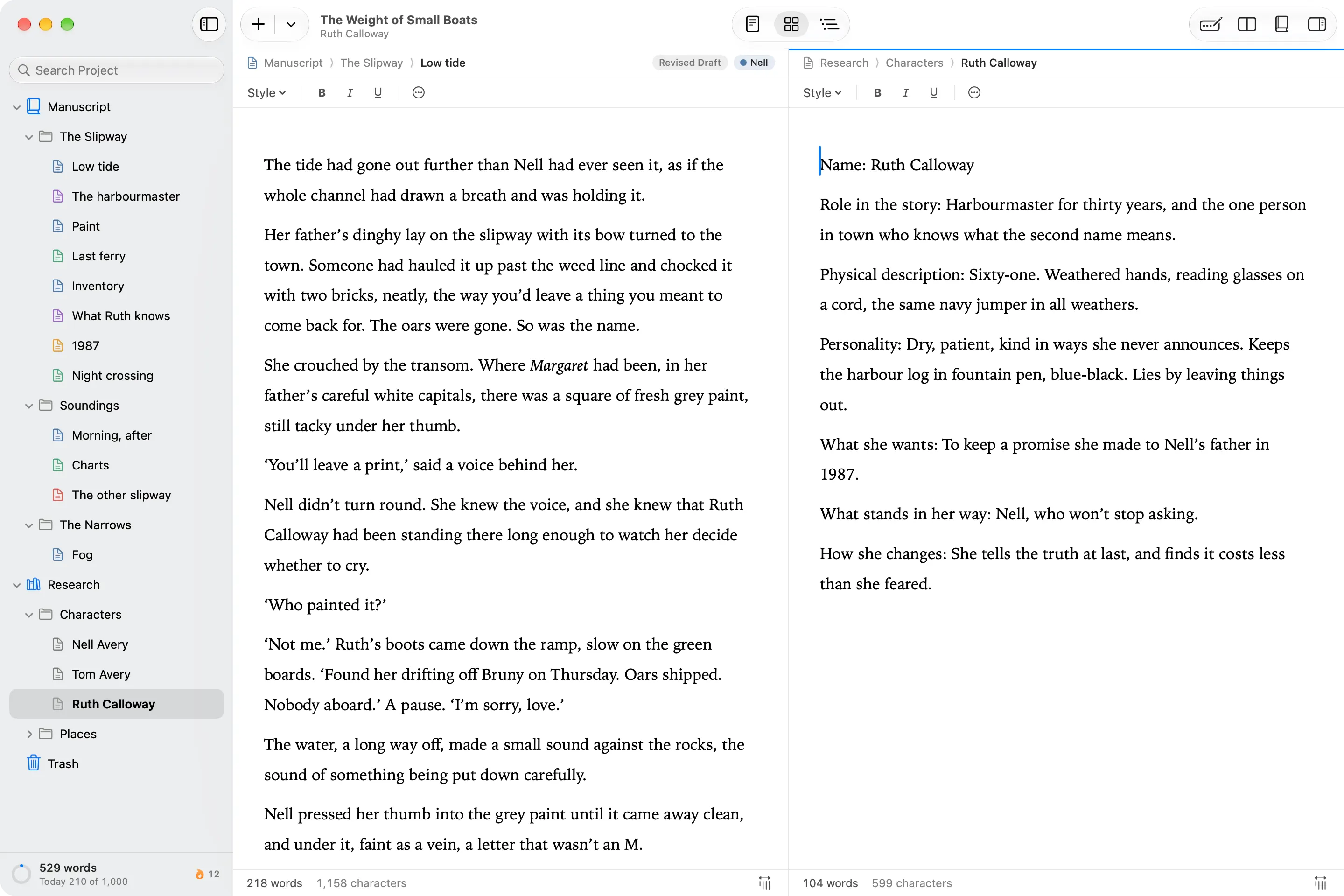
- Split Editor puts your interview notes or a source beside the chapter you’re writing.
- Research holds PDFs, images and web pages saved to read offline, and none of it is exported with the book.
- Links with [[ tie a section to the sources it draws on, and Details shows what links back.
- Tags and search find every section that mentions a person, a place or an idea.
- Outline (⌘3) shows the whole argument as a list of synopses you can edit in place.
⇧⌥⌘E
Send to Editor
From draft to editor to print.
Send your editor a Word document with only what you’ve changed since the last draft marked as tracked changes. When the book is ready, export a print-ready Paperback PDF or an Ebook.
Wryte doesn’t do footnotes or citations. If your book needs them, write and shape it here, then finish the notes in Word.